
Activity E
Colour Schemes with Design & Colour Unity
Due: October 22nd
To render three different colour schemes in a single composition with design and colour unity.
A. Traditional design media
- Illustration or Bristol board: three squares at 8" or 10" each.
- Acrylic paint and mediums, i.e., matte, glossy, gel, etc.
- Acrylic brushes and palette.
- Transfer paper (graphite paper, carbon paper, or transfer sheets) and a ballpoint pen to copy the sketched image onto the surface of the illustration board.
To transfer: carefully overlay the transfer paper above the illustration board and place the sketched image on top of the transfer paper. Then go over the relevant areas of the sketch with a ballpoint pen, replicating and transferring the image to the illustration board.
B. Electronic design software
Software such as Adobe Illustrator or Adobe Photoshop.
The project can be designed and rendered with traditional media or electronic (computer) software. You can also mix the two. For example, work out the design on the computer and then paint it onto illustration board, or scan in a hand-drawn design and colour it in Adobe Photoshop or similar software.
The three squares of illustration board can be creatively arranged or designed to make a vital design unit. Use one colour scheme per square. An overall design should unify the imagery in all three squares.
Square 1
Analogous
Colours that sit next to each other on the colour wheel.
Square 2
Complementary
Colours that sit directly opposite each other on the colour wheel.
Square 3
Triadic
Three colours evenly spaced around the colour wheel.
The colour schemes must also be unified as one colour organization. Use one of these approaches:
- Use similar values in all three squares.
- Add a single colour to all colours in all colour schemes, creating the effect of a dominant hue.
- Use similar chromatic ranges in all three colour schemes.
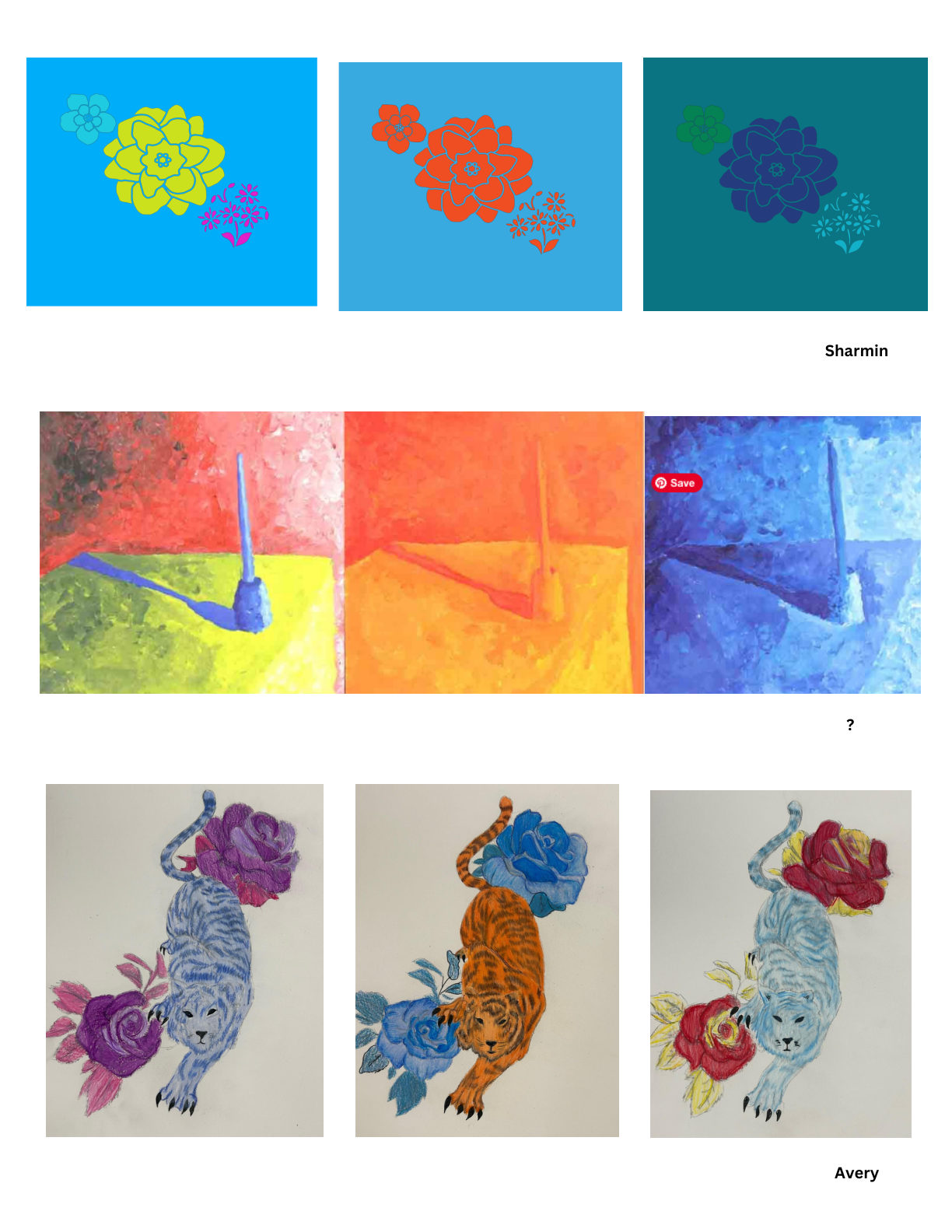
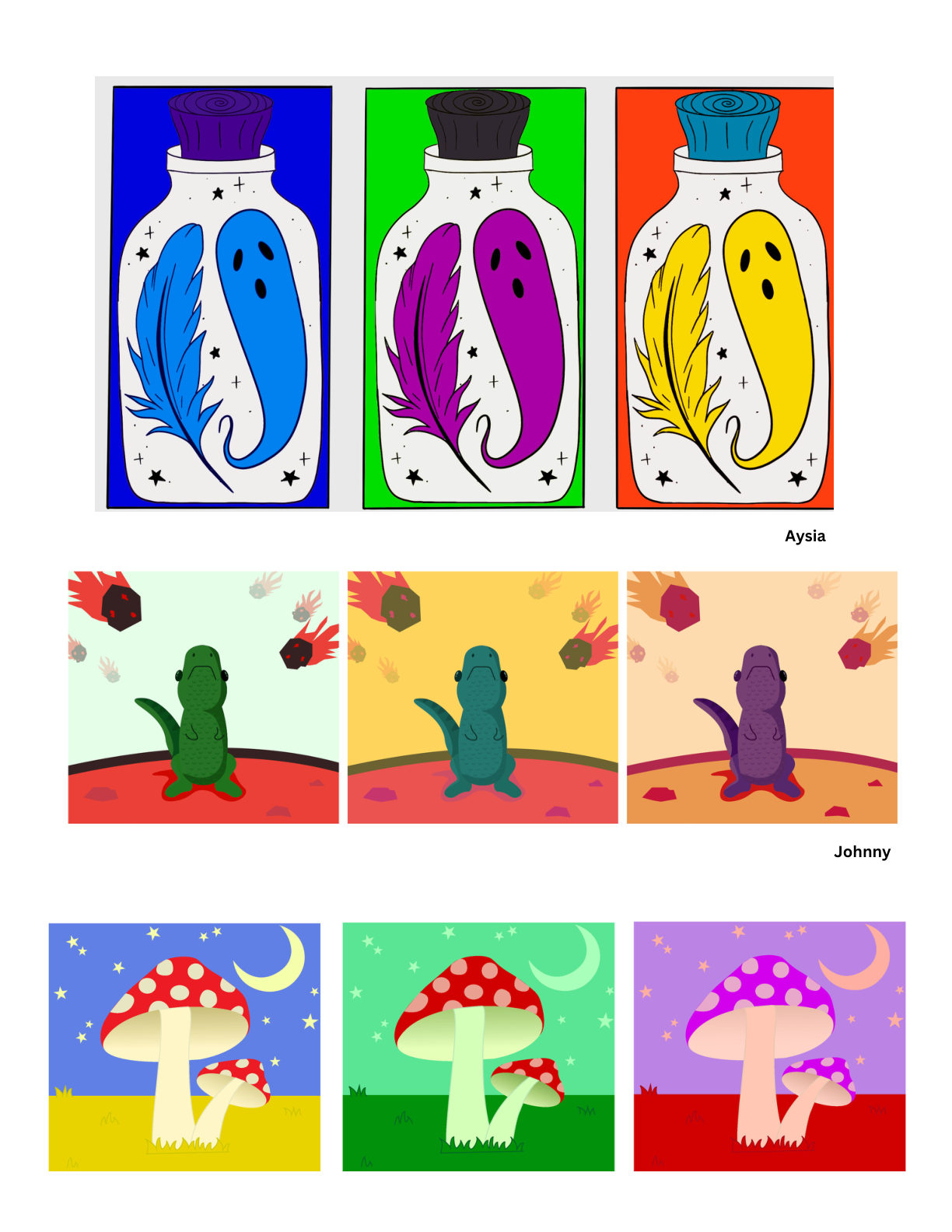
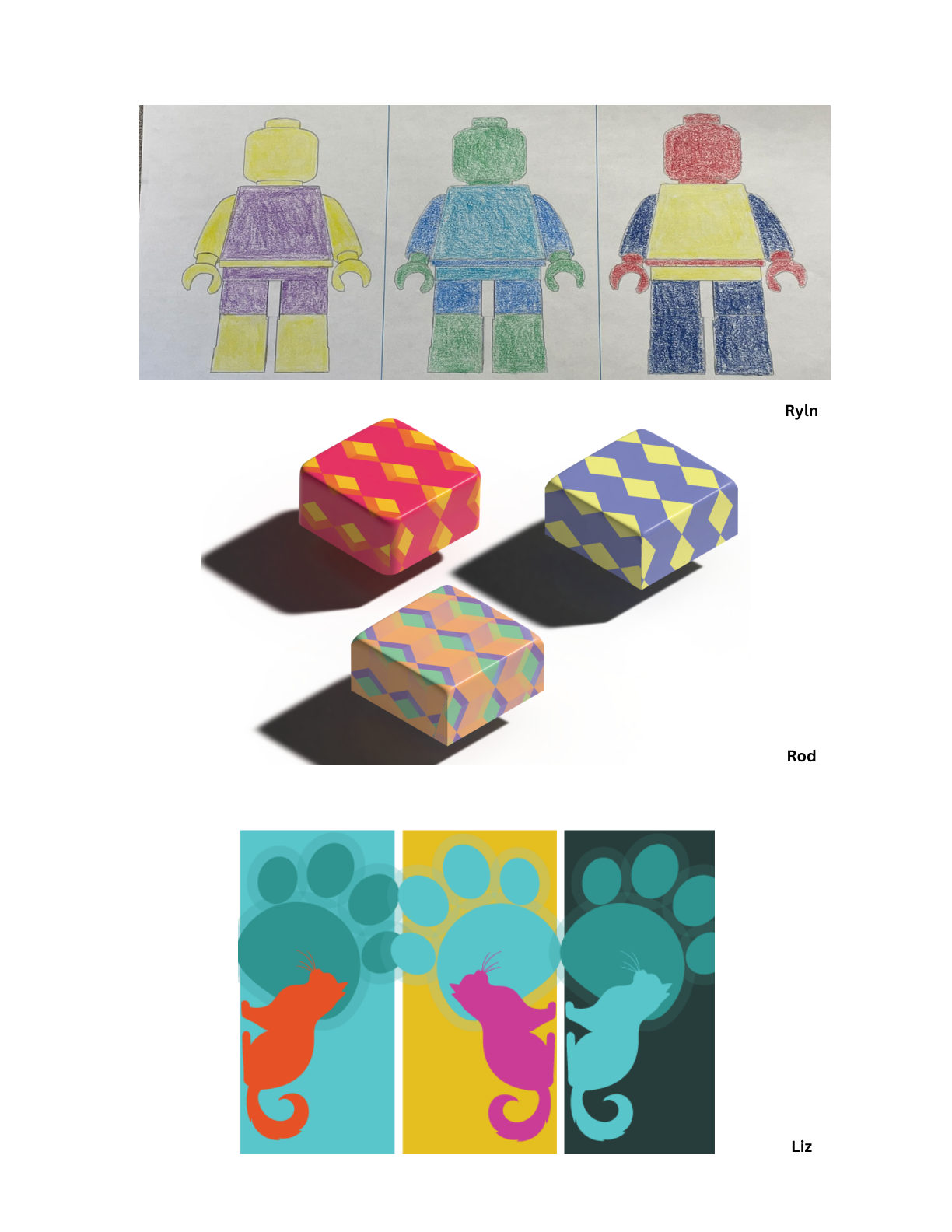
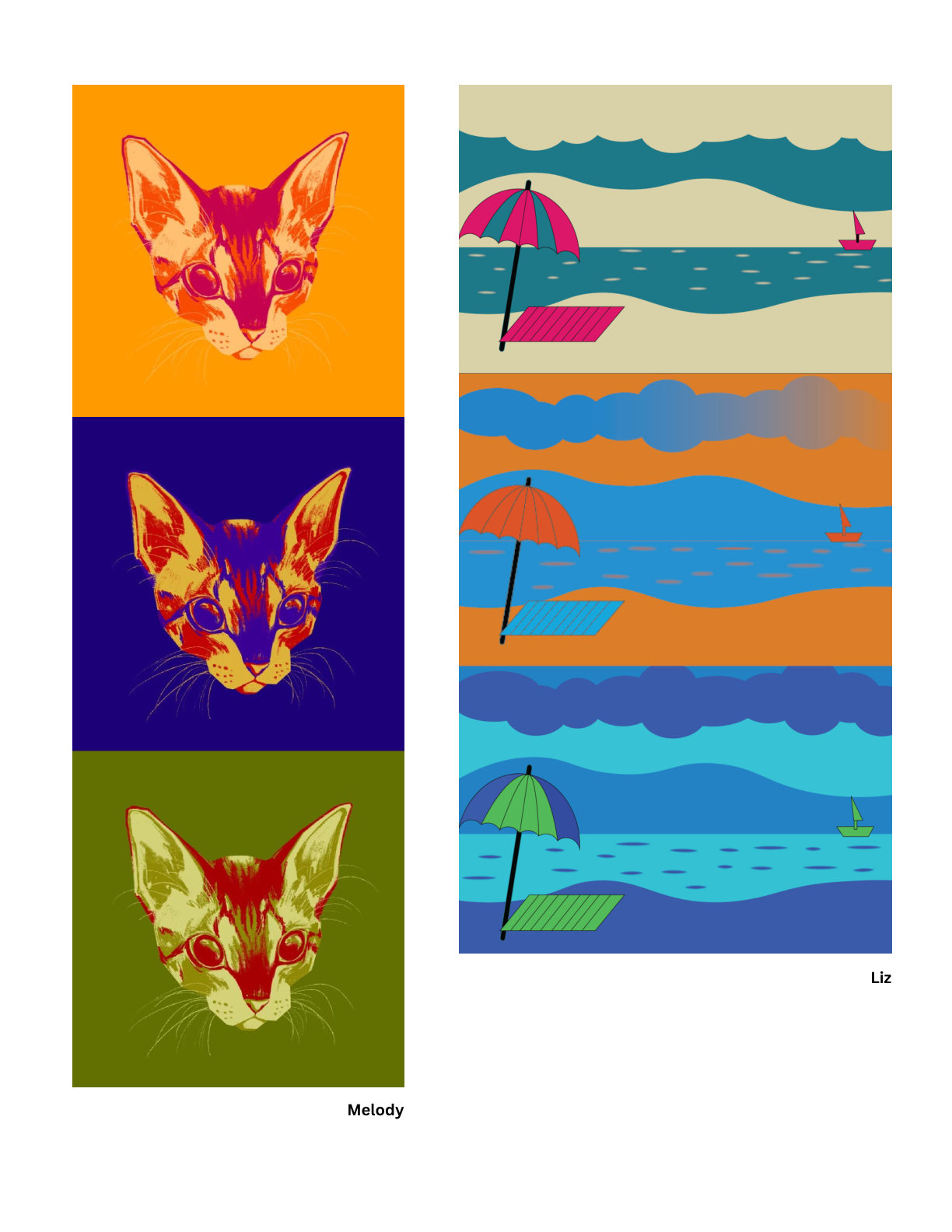
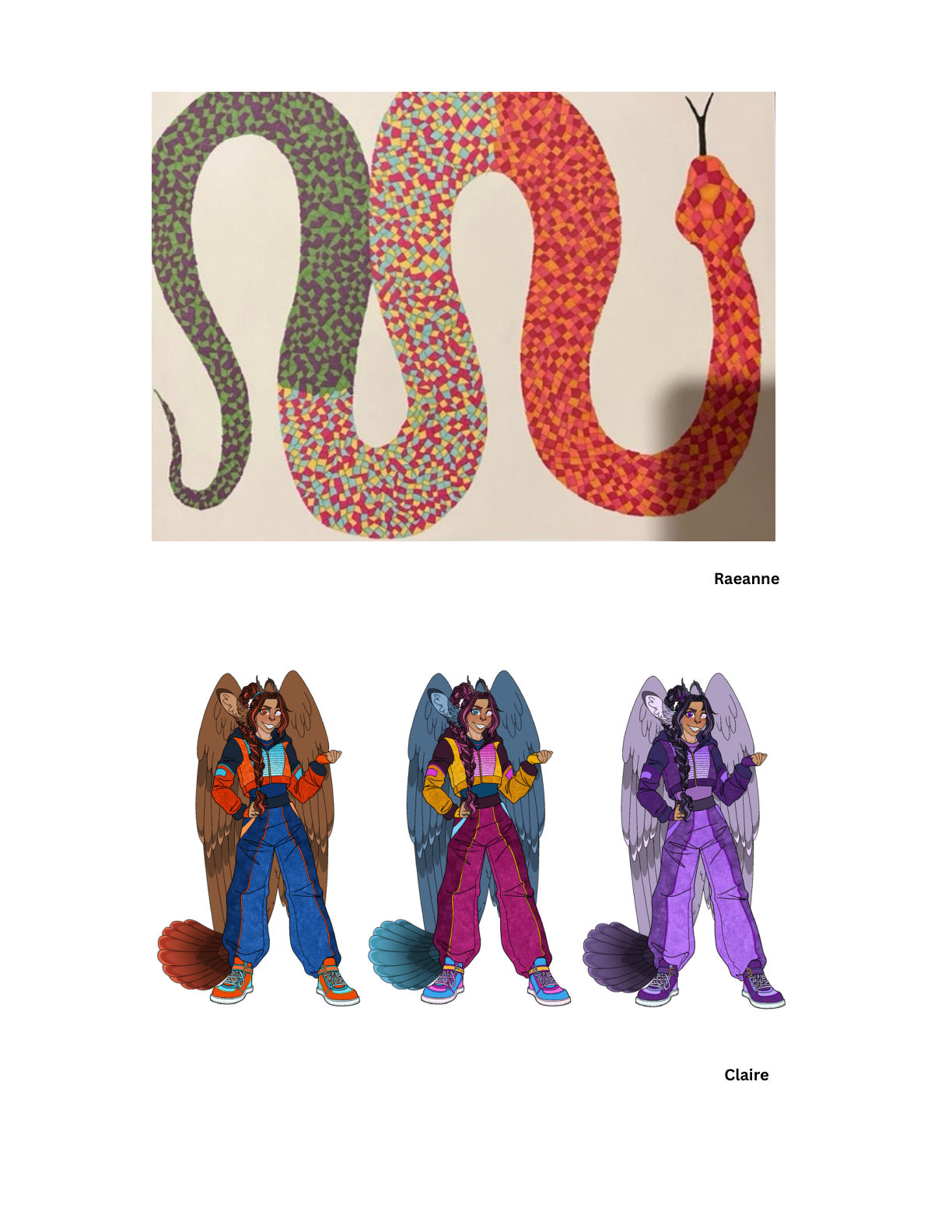
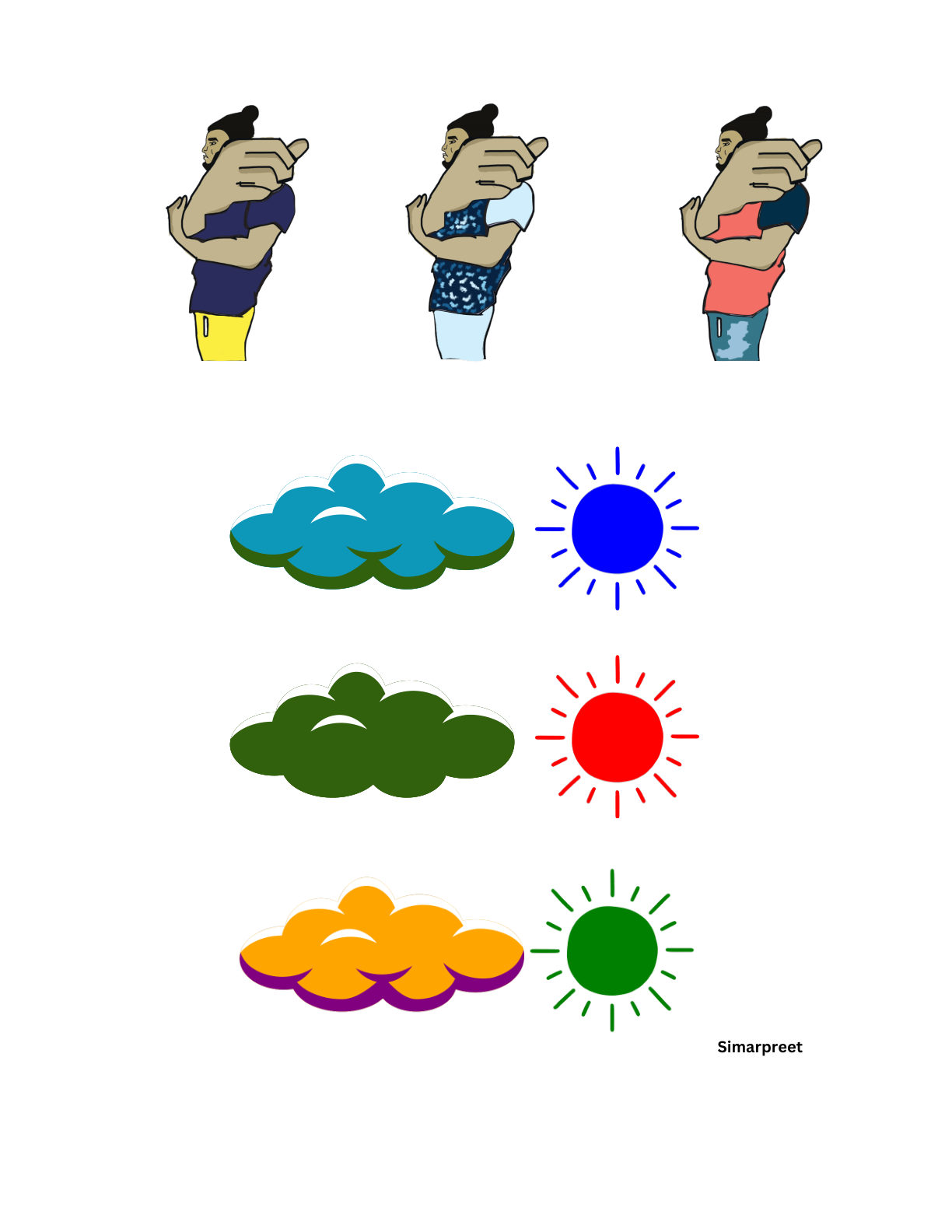
Past submissions showing analogous, complementary, and triadic colour schemes unified in one composition.
Send your submission via email to mitchellh2@cnc.bc.ca. Please CC any other instructors for this course.