
Lab E
Line Drawing Mini Lesson - Create Your Own Colouring Page
In this mini lesson, you will learn how to use the Brush Tool to create a clean line drawing. You will design your own colouring page from imagination or simple ideas. This exercise focuses on strong outlines and clear shapes suitable for printing and colouring.
Create a black-and-white line drawing that could be used as a colouring page.
You may:
- • Draw from your imagination
- • Trace simple objects or reference images
- • Combine multiple ideas into one composition
Here are examples of line drawings suitable for colouring pages:

Kawaii desserts - multiple objects with cute faces
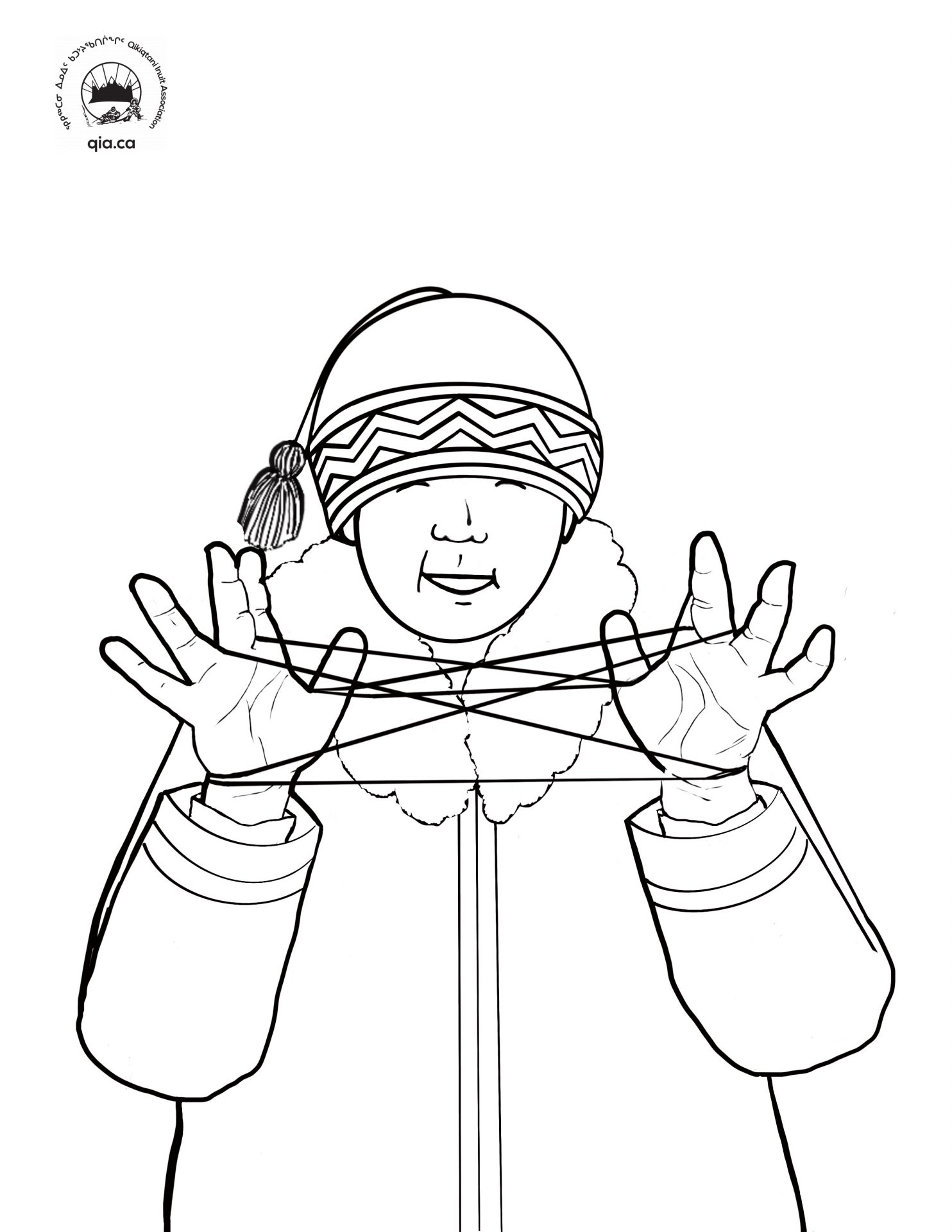
Cultural illustration - single figure with detail
- • Page size: 8.5" x 11" (Portrait or Landscape)
- • Black line work only
- • No fill colours
- • No shading or gradients
- • Clean, continuous outlines
- • Brush Tool (B)
- • Optional: Eraser Tool for corrections
- • Optional: Zoom tool for detail work
To create a strong, printable line drawing:
- • Use a hard round brush
- • Set brush hardness to 100%
- • Use a consistent line thickness (do not vary too much)
- • Avoid soft or blurry brushes
1. Set Up Your Document
- • Create a new file: 8.5" x 11"
- • Set resolution for print quality (300 DPI recommended)
- • Set background to white
2. Plan Your Drawing
- • Lightly sketch your idea or plan shapes in your mind
- • Keep composition simple and clear
- • Think about objects that can be easily coloured later
3. Create Your Line Drawing
- • Select the Brush Tool (B)
- • Use black as your colour
- • Draw clean outlines of your shapes
- • Focus on smooth, continuous lines
4. Refine Your Work
- • Erase unwanted lines if needed
- • Zoom in to clean up edges
- • Make sure all shapes are closed or clearly defined
You should create a complete line drawing that:
- • Has clear, bold outlines
- • Contains no fill colours or shading
- • Is suitable to be printed as a colouring page
- • Shows creativity and original design
- • Keep designs simple and readable
- • Avoid overly complex details
- • Use steady hand movements or a stylus if available
- • Think like a colouring book illustrator
Submit
Submit your work hereSend your submission via email to mitchellh2@cnc.bc.ca. Please CC any other instructors for this course.